To complete the Higg FEM, a facility creates a Worldly account, acquires the module, answers 100% of the questions in English and then posts the result. The hardest part is usually not the software but the data and documents prepared beforehand. This guide follows the real order of work, from preparation to sharing results with customers.
It covers actions and documents only. For what the Higg FEM is and what it contains, see What Is Higg FEM. For the 2026 cycle's timeline and verification, see Higg FEM 2026: What's New, Timeline and Verification Tips.
Note: button names and menu paths follow current Worldly guidance. The interface can change between cycles, so check How to Higg and Worldly Support as you work.
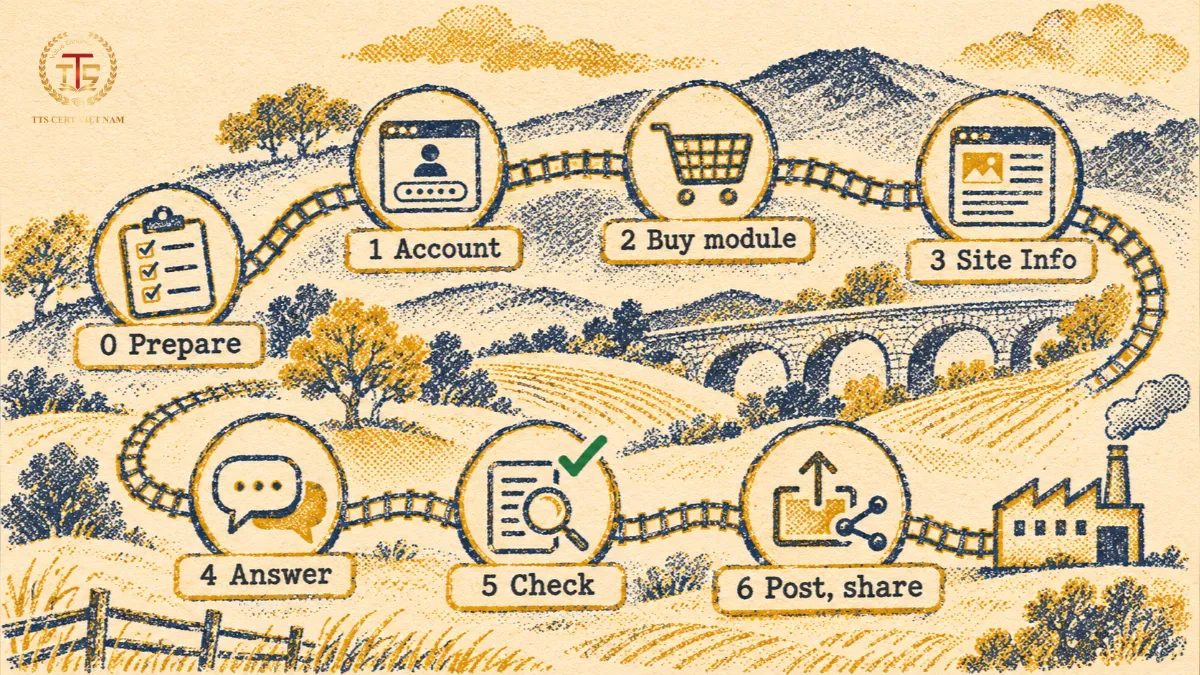
What are the steps to complete Higg FEM on Worldly?
| Step | Task | Who |
|---|---|---|
| 0 | Prepare people and data | Higg FEM lead, departments |
| 1 | Create the Worldly account, add team members | Account Admin |
| 2 | Purchase the module and start the assessment | Account Admin |
| 3 | Fill in Site Info & Permits | Higg FEM lead |
| 4 | Answer sections and levels | Section owners |
| 5 | Pre-posting check | Lead, management |
| 6 | Post and share results | Admin only |
If a customer requires verification, the facility then schedules it (see the last section).
Step 0: Prepare people and data before opening the module
Cascale states that completing the full module typically takes 3 to 6 weeks, depending on familiarity with the questions and the data already available. Use this time to:
Appoint a Higg FEM lead and involve subject-matter experts: environment, engineering and maintenance, HR, chemical store and purchasing.
Collect data for the full reporting year: electricity, fuel, water, waste, wastewater and chemicals.
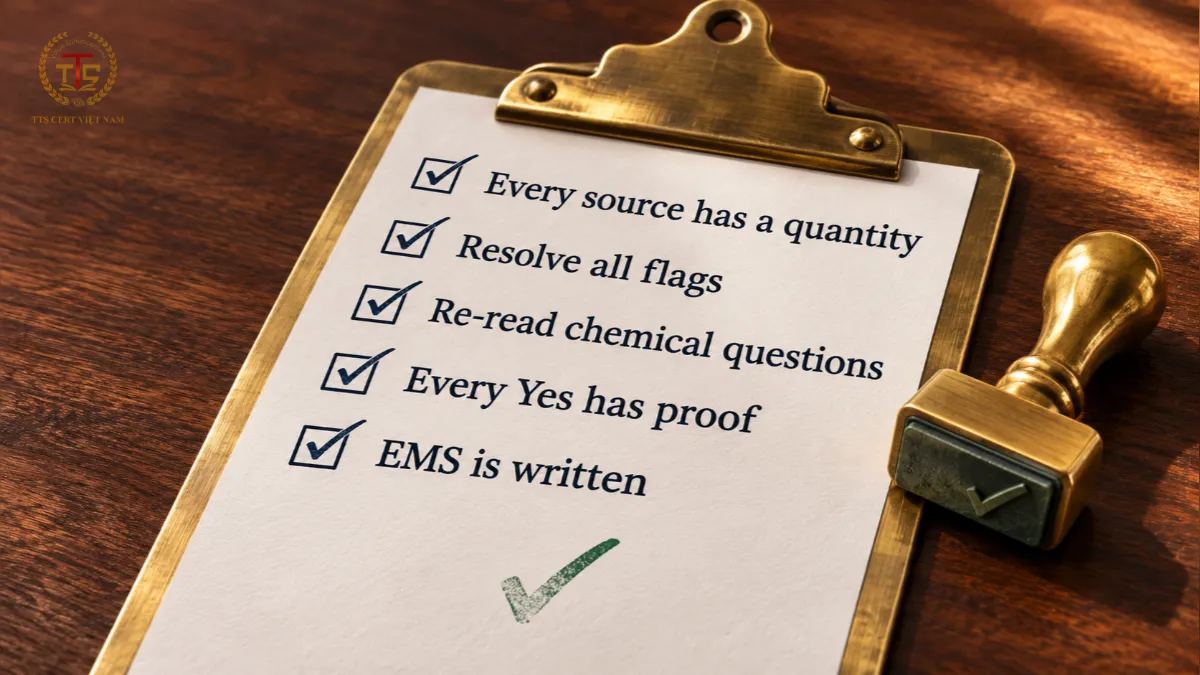
Gather documents using the table below, since many "Yes" answers need supporting documents during verification.
| Group | Documents commonly requested |
|---|---|
| Site information | Actual operating days, employee count matching HR records, production volume in the right units |
| Permits | Current environmental permits and permit status |
| EMS | Written environmental policy approved by management, legal register, data-quality procedures, maintenance records for environmental equipment, multi-year environmental strategy |
| Energy | Electricity and fuel invoices, metering records |
| Water | Volume by water source, leak monitoring and repair records |
| Waste | Quantity for each hazardous and non-hazardous waste stream, waste-handling training records |
| Chemicals | Chemical inventory, safety data sheets (SDS), evidence of MRSL/RSL implementation |
| Air emissions | Inventory of emission sources |
Step 1: Create the Worldly account and add team members
Reach Worldly from the login link on Cascale's How to Higg site to avoid landing on the wrong page.
Add colleagues who will help complete the module in the My Team tab.
Set permissions carefully: only an Admin can post results; Editors cannot. Decide in advance who will be the Admin.
Step 2: Purchase the module and start the assessment
Confirm the right plan was purchased and that the module appears in the account.
Go to Supply Chain > Higg FEM, open the Assessment tab, choose to start the full FEM assessment and confirm with Continue.
If the facility has posted an assessment on Worldly before, the system offers roll forward. It carries over qualitative answers from the verified assessment, matched by question RefID; new or removed questions are not carried over. Review every answer anyway.
Track the assessment status: no module purchased (No Module), module acquired but not started (NS), self-assessment in progress (ASI), self-assessment completed (ASC). Later statuses belong to verification.
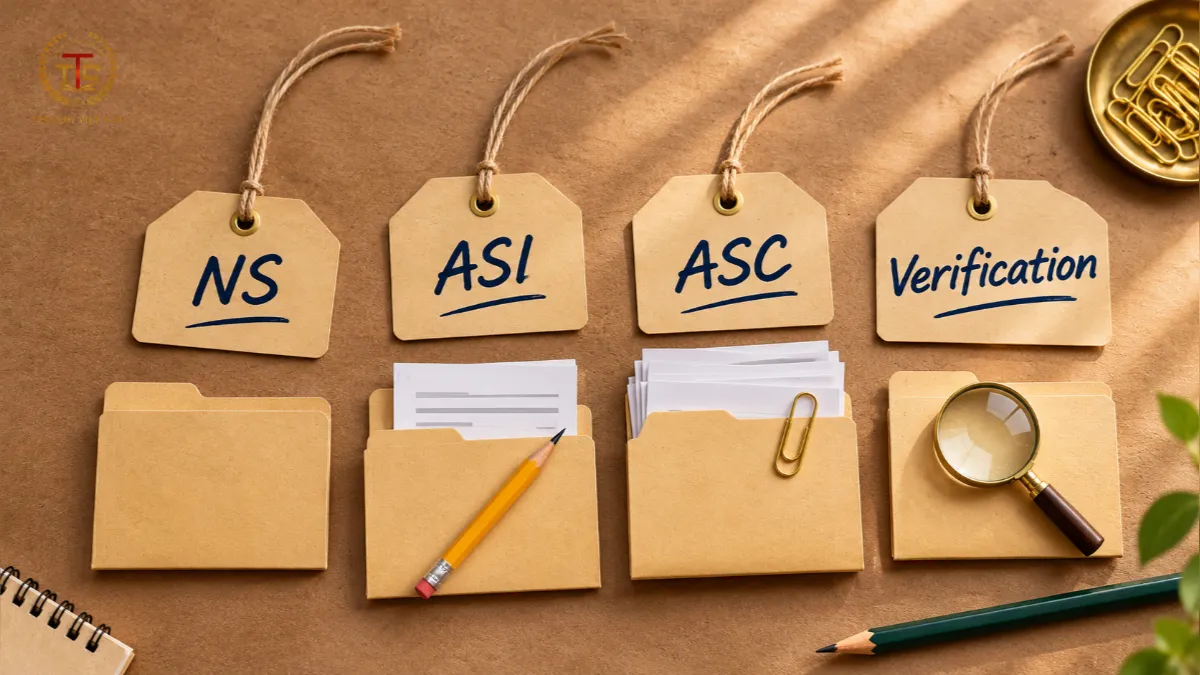
For module purchase and posting deadlines of each cycle, see Higg FEM 2026. Customers may set their own deadlines, so confirm with each customer.
Step 3: Fill in Site Info & Permits first
Do this section first, because its answers decide which questions appear in the other sections. Mistakes here spread. According to Worldly's checklist, pay special attention to:
Operating days: enter actual production days for the reporting year, not the default 365. This value is the denominator for intensity calculations in Energy, Water and Waste.
Full-time employees: match HR records for the reporting year.
Production volume: use the correct units for each facility type; multi-product facilities should show every product type.
Facility type and process: a wrong selection can hide required questions or show irrelevant ones. Re-check these if you used roll forward.
A facility without a license to operate can still complete the assessment if it has documentation showing it is legally exempt.
Step 4: Answer the sections and levels
Questions are grouped into three levels: Level 1 (awareness and understanding of sources and systems), Level 2 (baselines, targets and tracking improvement) and Level 3 (leading practices). Level 2 and 3 questions in a section unlock only after all Level 1 questions there are answered "Yes" or "Partial yes".
Working rules:
Complete the assessment in English so every party you share with can read it.
The platform auto-saves. A progress bar at the top shows overall completion, and each section has its own.
Use filters to view answered, unanswered or topic-specific questions.
Each question has View Guidance and a RefID. Note the RefID when contacting support.
When a question needs an upload, the tool prompts you. Many suggested uploads are optional for self-assessment but are checked during verification.

Splitting sections among owners saves a great deal of time. For scoring, see Guide to Higg FEM Scoring. For the content of each section, see What Is Higg FEM.
A note on chemical management. This section asks about the competence of the chemical management team (reading SDS, understanding RSL, understanding MRSL), MRSL implementation, the chemical inventory and supporting evidence. An RSL restricts substances in the finished product, while an MRSL restricts chemicals used in production. Clarify both with the chemical store team before answering.